
Where this solution fits — and where it doesn't
Use this if you’re transcribing meaningful volumes of audio (interviews, podcasts, internal recordings, customer calls) and you’d rather not stream every minute of it to a third-party API. The economics tip toward local around 30 hours of audio per week, but privacy concerns can make local the right call at any volume.
Don’t use this if you have one-off transcription needs (use OpenAI’s gpt-4o-mini-transcribe at $0.003/min, gpt-4o-transcribe at $0.006/min, or Deepgram, and skip the setup), or if your team can’t keep a Linux box running reliably.
What you'll need before starting
- An NVIDIA GPU with 8GB+ VRAM, or an Apple Silicon Mac with 32GB+ unified memory.
- Linux or macOS (Windows works via WSL2 but adds friction).
- ~10GB disk space for model weights.
- Comfort installing dependencies via
brew/aptand running shell scripts.
Five steps to a working pipeline
- Install Whisper.cpp and download a model
Build whisper.cpp from source — it’s the C++ port that runs noticeably faster than the original Python implementation. Pull the
large-v3-turboweights for faster inference at near-equivalent quality, orlarge-v3for the highest accuracy. Both are on the project’s release page. - Pre-process audio with ffmpeg
Convert input audio to 16kHz mono WAV before passing to the model. The model expects this format, and skipping the conversion silently degrades quality.
- Run a benchmark on representative audio
Before you wire this into production, transcribe a representative sample of your actual audio. WER (word error rate) on benchmark datasets does not predict your specific use case.
- Batch and queue — don’t process one file at a time
Throughput on a single GPU is dominated by model load time and warm-up. Process files in batches of 5–10 to amortise that cost.
- Plan for the long tail
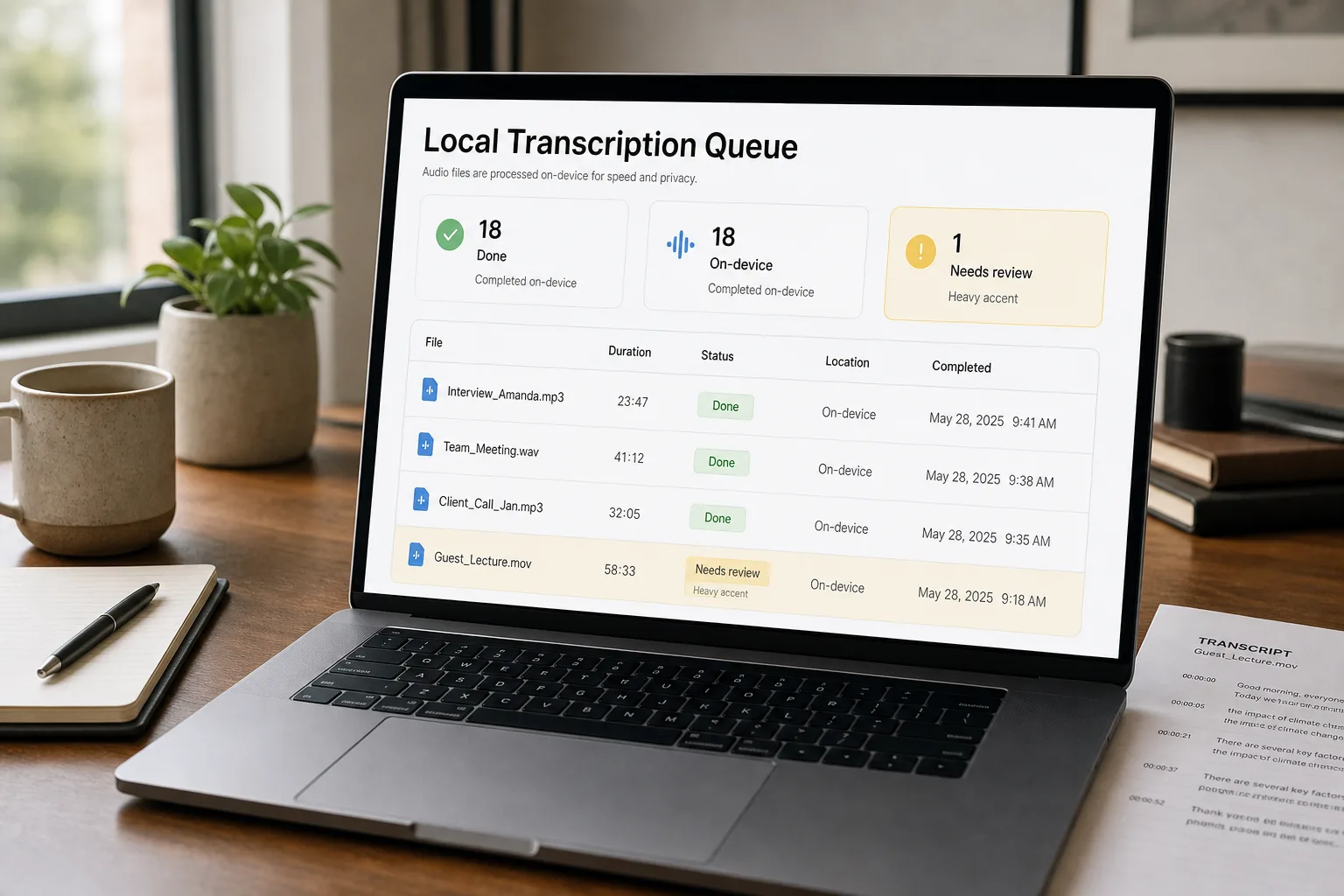
Some audio files will fail or produce garbage output. Speakers with thick accents, music behind speech, two people talking over each other — Whisper has known weaknesses. Build a “needs human review” path from day one.
What this actually costs to run
The hardware is the cost. Once owned, transcription is essentially free.
Other ways to solve this
OpenAI transcription API — gpt-4o-mini-transcribe at $0.003/min or gpt-4o-transcribe at $0.006/min — is the right answer for low-volume teams. No setup, no hardware, predictable cost. Switch to local when you cross ~30hr/week.
Deepgram is faster and offers diarisation (speaker separation) out of the box. Worth it if speaker labels matter.
Cloud-hosted Whisper on Modal, Replicate, or Fal — middle ground between API and self-hosting at $0.50–$1.50 per hour of audio.
FAQ
Will Apple Silicon really run this well?
The M2 Pro with 32GB and the M3 Max with 64GB+ run large-v3 at roughly half the speed of an RTX 4090 — fast enough for most teams. Smaller M-series chips will struggle with longer files.
What about non-English audio?
Whisper handles 90+ languages, with very different quality levels. English, Spanish, French, German, and Mandarin are excellent. Other languages range from good to weak. Test on your specific language before committing.
How does this compare to ElevenLabs Scribe or AssemblyAI?
Closer than you'd expect on accuracy for English; Whisper local pulls ahead on languages outside the top tier. Both commercial alternatives offer better diarisation than self-hosted Whisper today.